
How to Get Guests to Scan Your Wedding QR Code & Upload Photos
A wedding QR code only works if guests notice it and feel encouraged to use it. The technology itself is simple. Engagement depends on visibility, clarity of your wedding signage, and gentle prompting.
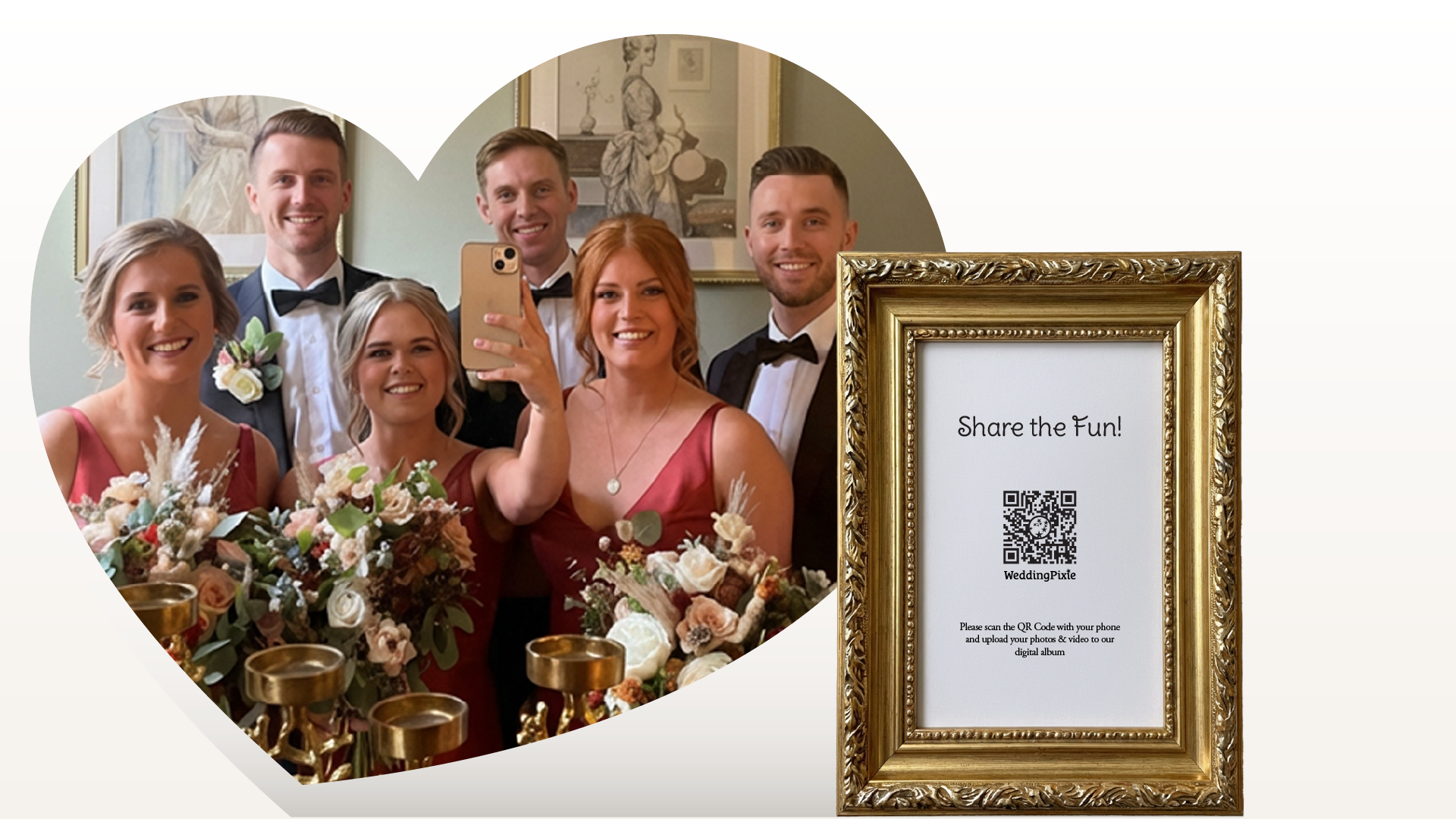
Think of your QR code as a nudge rather than an instruction. It invites guests to take out their phones, capture a moment, and contribute to your shared gallery.
Start with Delegation
On your wedding day, your time is limited. The easiest way to increase participation is to involve people who are already helping you. People know how special your wedding day is, and they want to help. You just need to ask.
Your venue and your bridal party are usually more than willing to assist. Clear communication and realistic expectations make delegation effective. Provide simple instructions and ensure everyone understands what the QR code does and where it should be displayed.
When someone feels confident about what they are doing, they are far more likely to follow through.
Involve Your Bridal Party
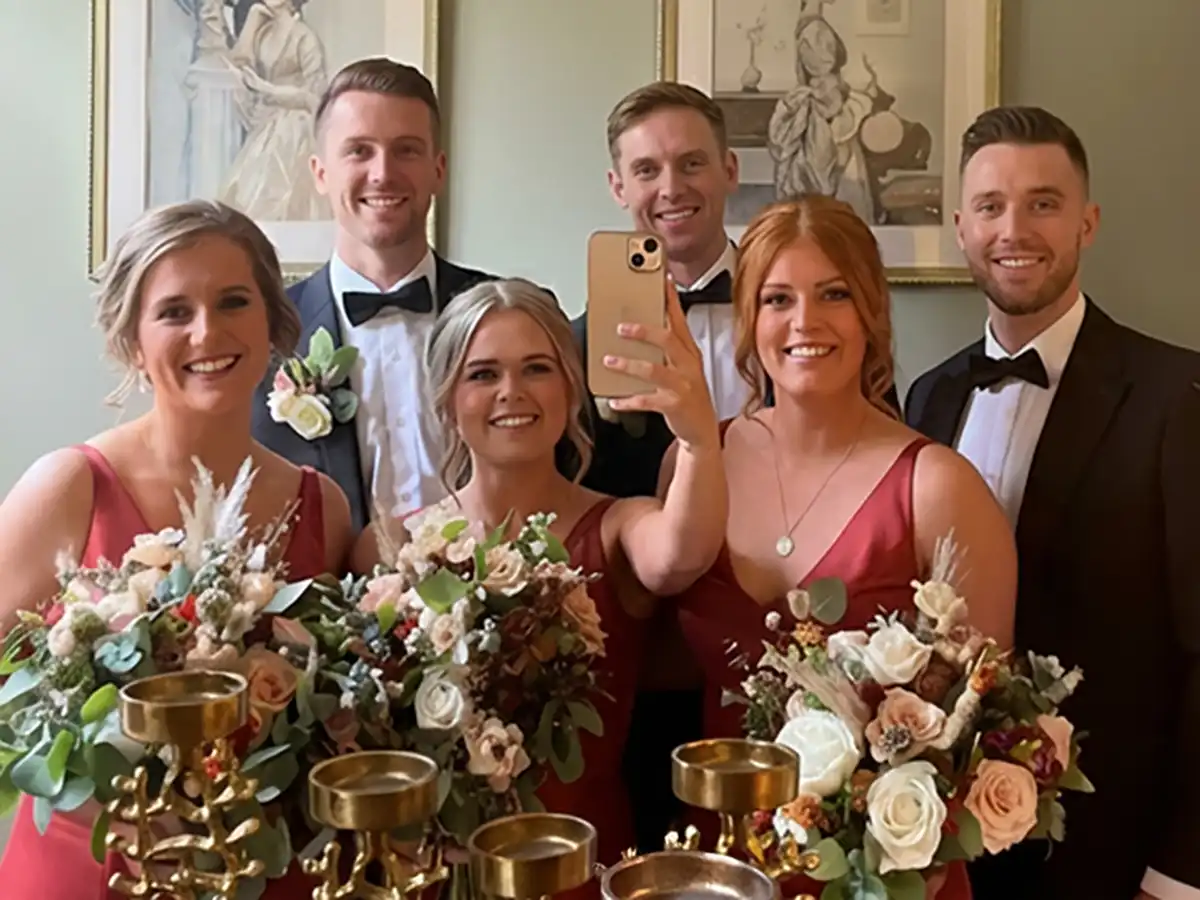
Your bridal party can play a powerful role in encouraging uploads. Choose one person who is enthusiastic about photography or social interaction and ask them to remind guests to scan the code throughout the day.
Sharing the QR code directly with your bridesmaids and groomsmen makes this easy. They can show guests how it works and lead by example. When guests see others participating, they are more likely to join in.
A friendly reminder during drinks reception or before dinner often produces a noticeable increase in uploads.
Work With Your Venue
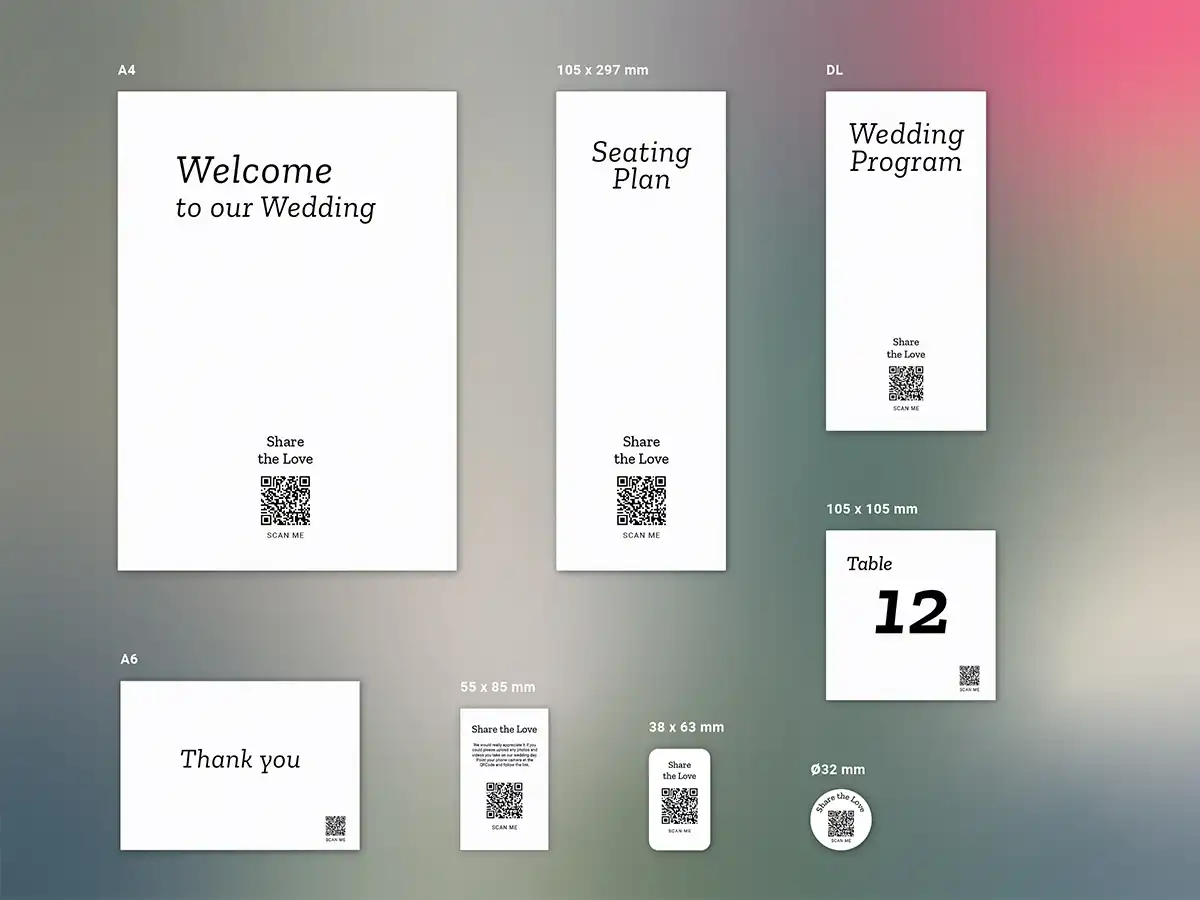
Most wedding venues are happy to support practical requests that improve the guest experience. If your venue is printing menus, table numbers, seating charts, or welcome boards, ask whether they can include your QR code in the design.
Provide a high-resolution file, ideally at least 1500 x 1500 pixels, in PNG format. The code should be printed in black on a white background for maximum reliability. Ask the venue to test the printed code before placing it around the venue.
Many venues also have screens or projectors. Displaying the QR code alongside a slideshow or welcome slide can significantly increase engagement. When guests see photos appearing in real time, they are more inclined to contribute their own.

For detailed placement strategy, see our where to place QR codes.
Coordinate With Your Stationer
If you are working with a professional wedding stationer, include the QR code in your initial brief. It can be incorporated into ceremony booklets, welcome signs, seating charts, table numbers, menus, and even thank-you cards.
Thank-you cards are particularly effective. Guests appreciate receiving them and are often happy to upload any photos they took once reminded.
As with venue printing, always supply a high-quality QR code file and test the finished print materials.
Simple DIY Options
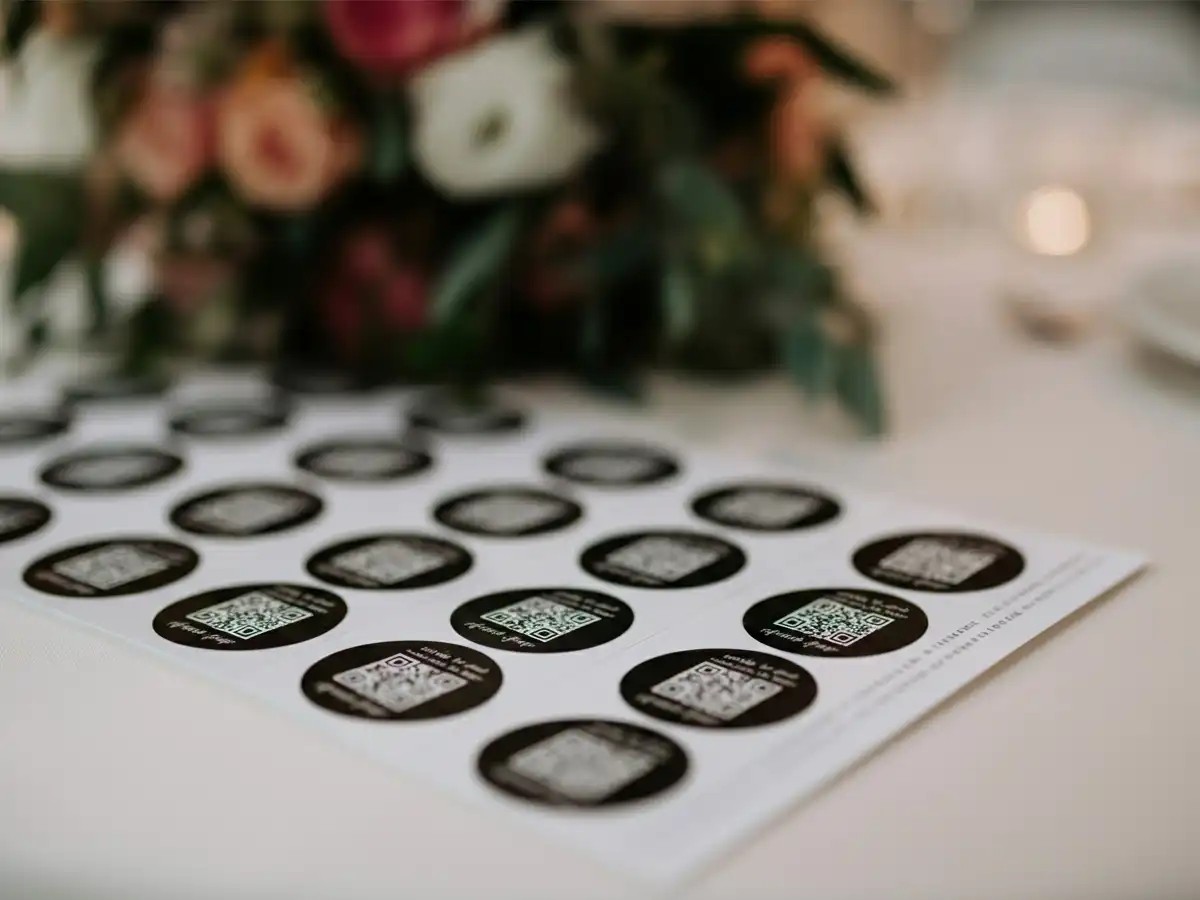
If time or budget is limited, printing QR codes as stickers is a practical solution. High-resolution sticker sheets can be applied to existing stationery or display cards.
Even with DIY approaches, clarity and contrast remain essential. A clean, readable code will always outperform a decorative but difficult-to-scan design.
If you are still deciding on format and scale, review our recommended signage sizes.
Make A Game of It
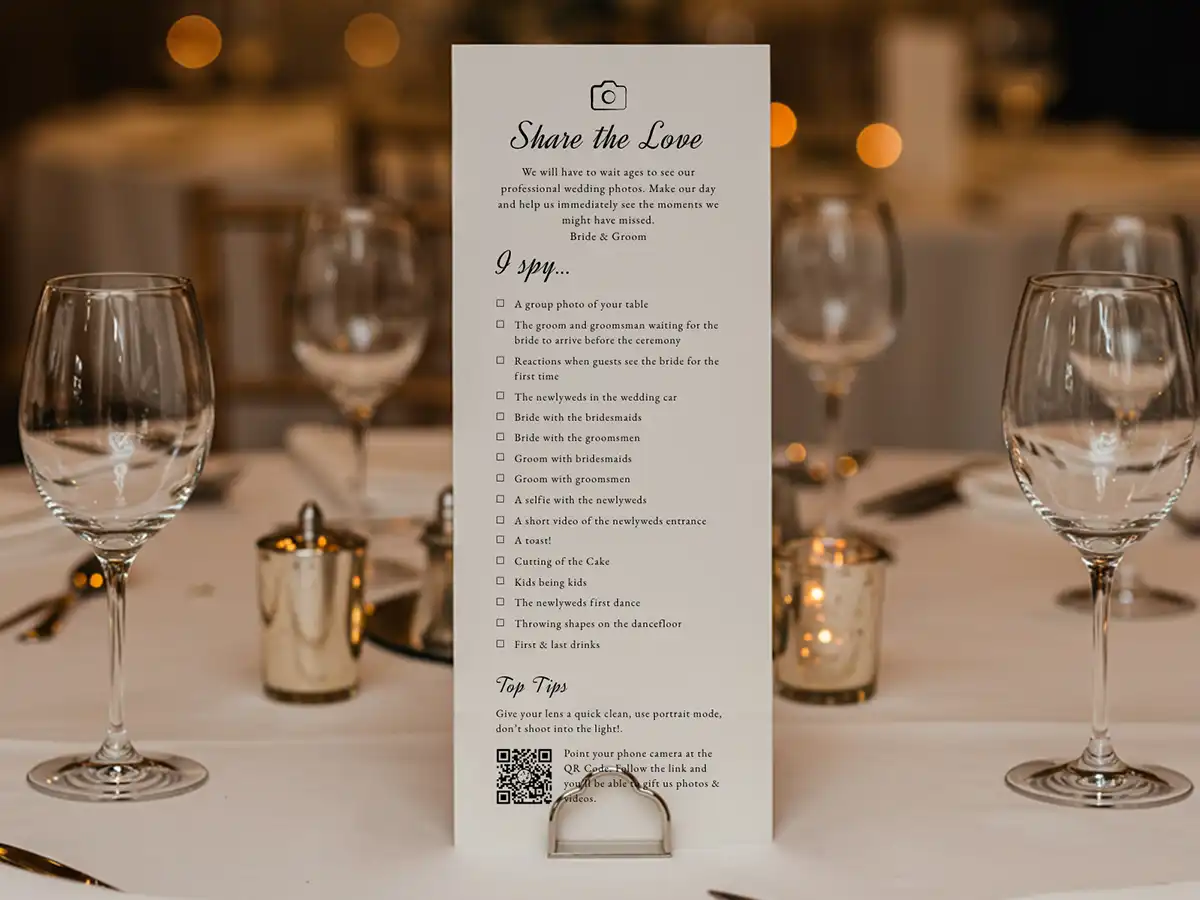
If you want to encourage more participation, consider making it a fun part of the day. For example, you could have a photo treasure hunt guests have a list of moments to capture and upload. This adds an element of play and encourages guests to look for unique shots rather than just group selfies. You can subtly encourage guests to take the photos you want to see in your gallery.
The Psychology of Participation
Weddings are collective celebrations. Most guests want to contribute in some way. A clearly displayed QR code provides a simple action that allows them to do so.
When requests are clear, easy, and thoughtfully timed, participation increases naturally. Small reminders, visible signage, and coordinated support from your venue and bridal party can make a significant difference.
Platforms such as WeddingPixie provide a ready-to-use upload page and QR code when you create an account, allowing you to focus on visibility and encouragement rather than technical setup.
Engagement Is Intentional
Higher upload numbers rarely happen by accident. They are the result of thoughtful placement, clear messaging, and small but deliberate prompts throughout the day.
When your QR code is visible, easy to understand, and supported by the people around you, guests are far more likely to take part.
Before the wedding, run through our QR code readiness checklist to ensure everything is ready.
Frequently Asked Questions
- How do I get more guests to scan my wedding QR code?
- Place QR codes in visible locations, provide clear instructions, and ask your bridal party or venue to gently remind guests to upload photos.
- Should I ask my venue to help with QR code placement?
- Yes. Most venues are happy to print or display your QR code if you provide a high-resolution file and clear instructions.
- Can I include a QR code on wedding stationery?
- Yes. QR codes can be added to ceremony booklets, welcome signs, seating charts, menus, table numbers, and thank-you cards.
- What file format should I send to my venue or stationer?
- A high-resolution PNG file at least 1500 x 1500 pixels, printed in black on a white background, produces the most reliable scan results.


